We
continue the series of best photography and display the types of
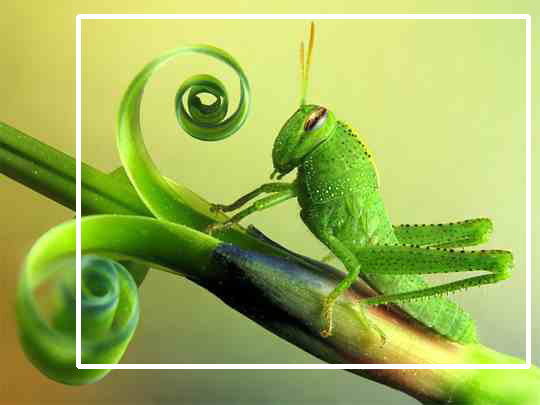
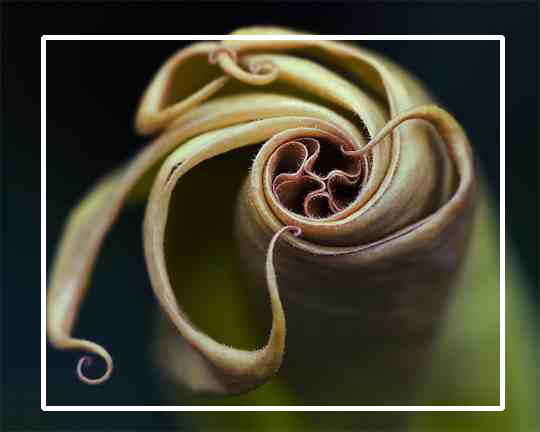
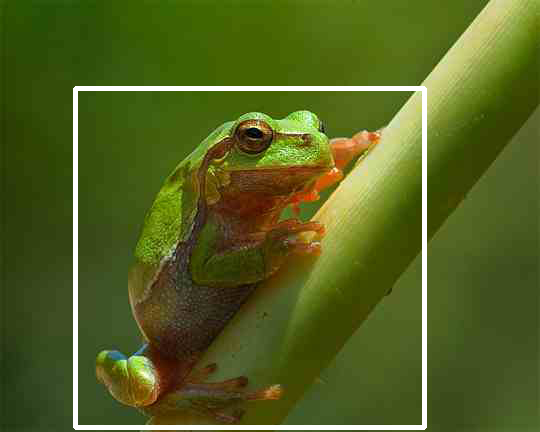
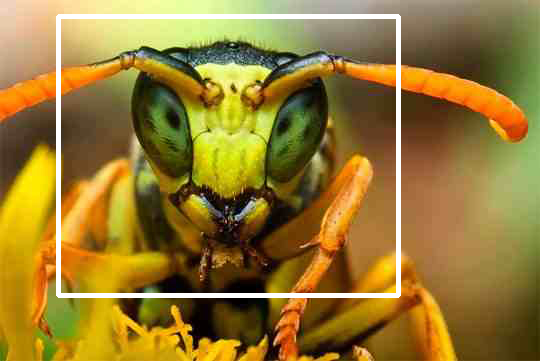
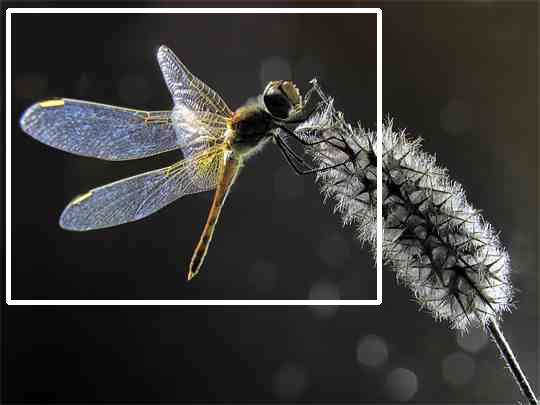
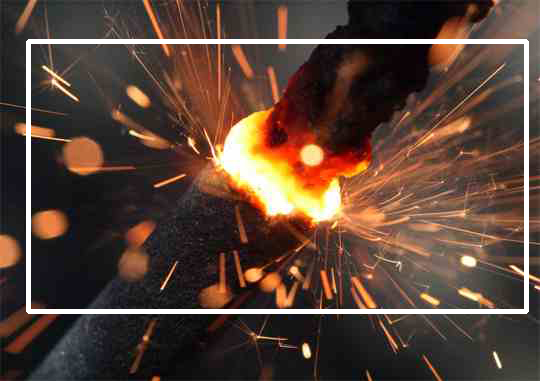
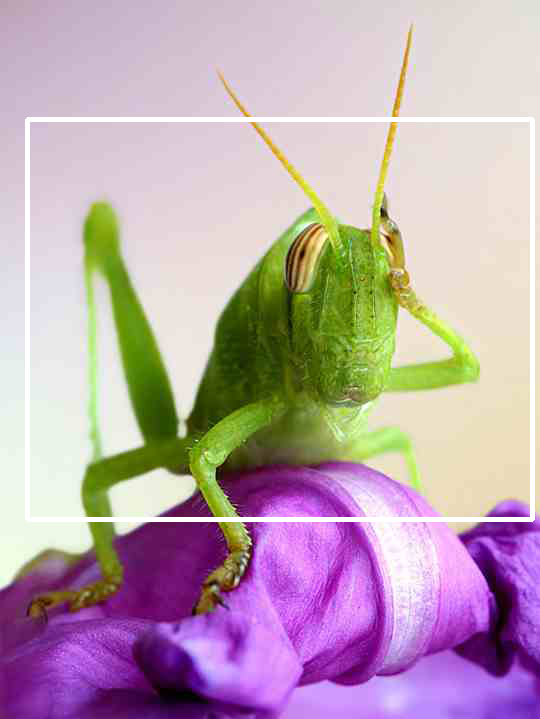
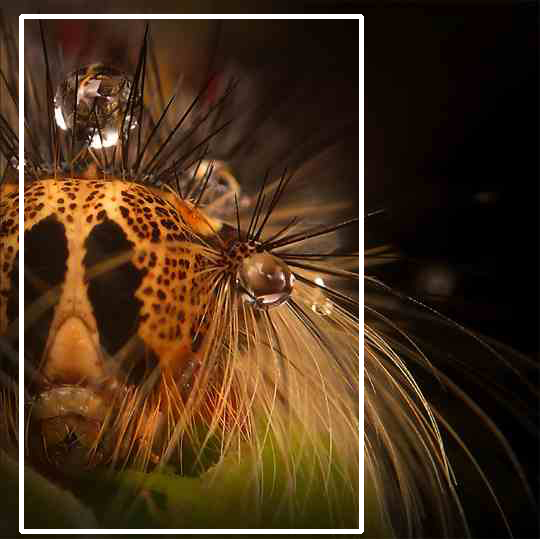
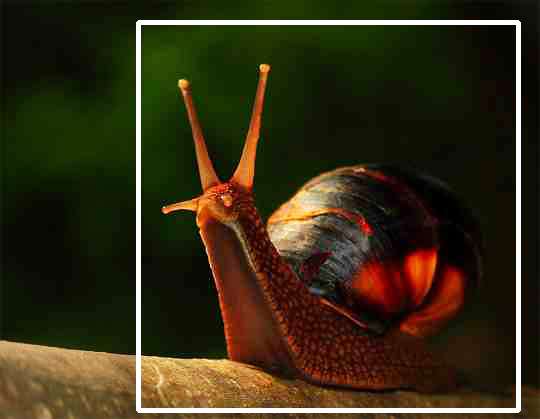
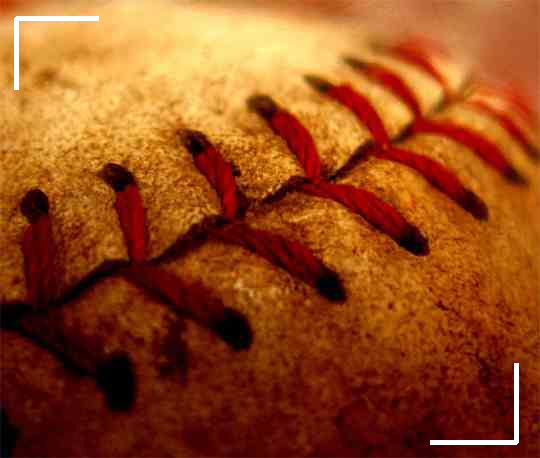
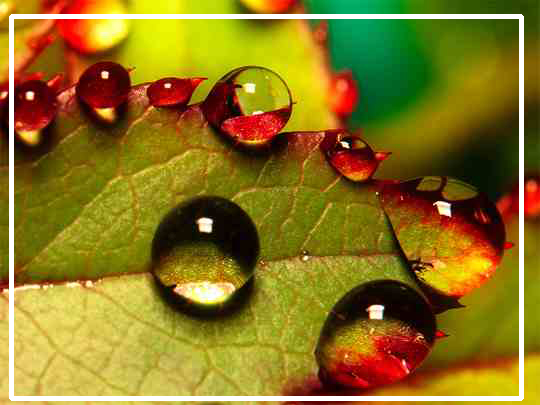
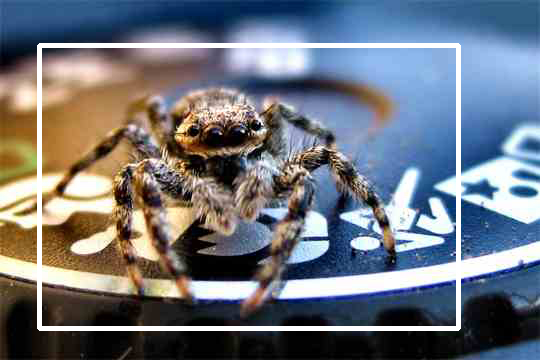
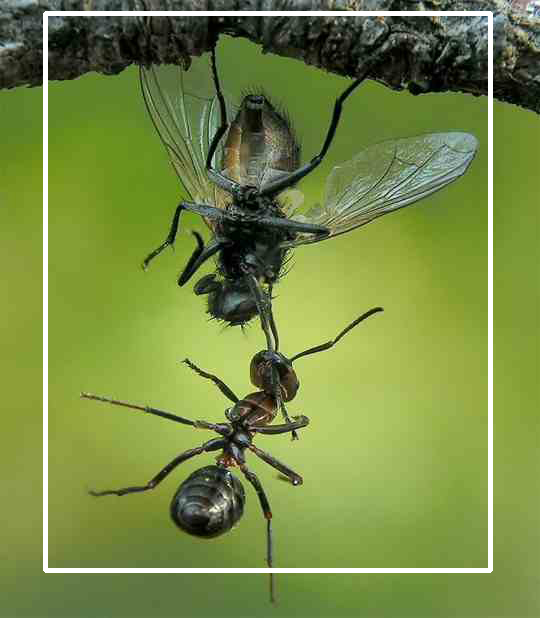
photography and models of each type, and the following images are Macros
Macro, where the lens is enlarged to photograph the small objects and
show them clearly and clearly, and clearly reveal to the world of small
objects.
The
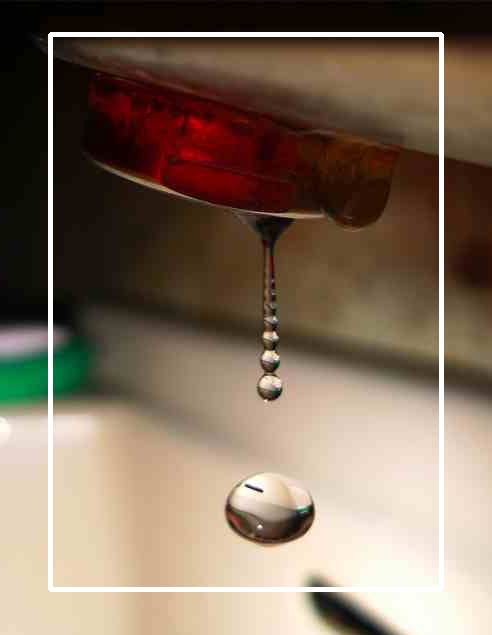
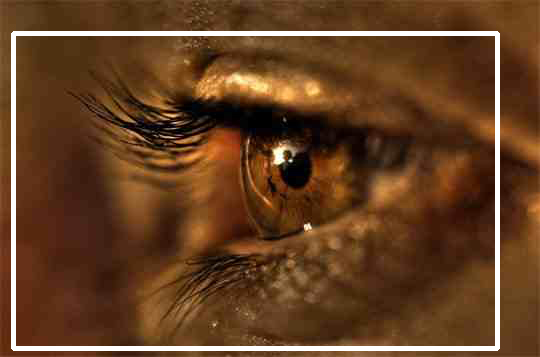
images include pictures of insects and small reptiles, magnifying the
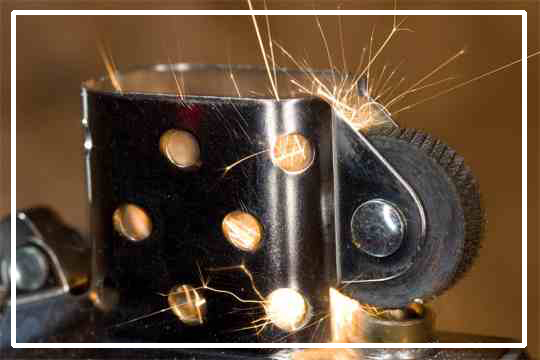
face and the eye, showing the skin of the skin, a magnifying glass for
sparks, as well as shooting magnifying shots of water droplets.

best photography (1) Freezing water movement
Taking a very high-speed image leads to showing very small parts of the second. In these images, photographers took water droplets in an environment equipped with colored lighting and various effects, and provided tools to trigger the explosion of water. These images are natural images taken with the photographer Marcus Riggles’ Creative art when freezing motion in a minute.
best photography (2) Group of varieties
We continue to show the best photography of professional photographers and amateur photographers, which is characterized by creativity and innovation in photography and the way of taking a picture, and we present in this article a variety of categories were filmed in a marketing way.
best photography (3) Motion photography
In this collection of photography we review models of motion photography. When the exposure time is prolonged in the camera, the resulting final image is actually composed of several built-in snapshots, showing the effects of motion in the final image, which requires a holder to ensure that the mike does not shake while taking the picture , And below we see models of motion photography.
best photography (4) The most famous portraits
Portrait photography is a branch of the art of photography, which is special for the portrayal of characters, requires the skills of communication between the photographer and who is photographed, until the picture emerges expressing the story or feelings, and these models of portraits of some of the most famous portraiture photographers in the world.
best photography (5) Macro photography
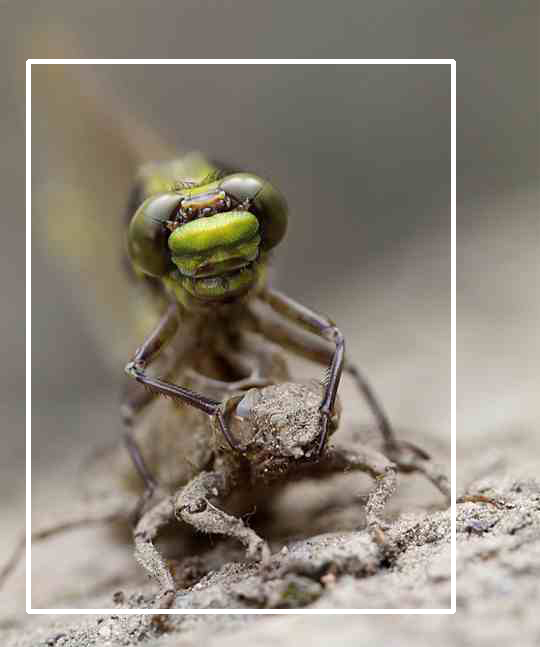
We continue the series of best photography and display the types of photography and models of each type, and the following images are Macros Macro, where the lens is enlarged to photograph the small objects and show them clearly and clearly, and clearly reveal to the world of small objects.
best photography (6) Photography with light and shade
We continue to present the best images and the best imaginative ideas in photography. In this article, we present images of light, shadow, reflections, and refractive images of creative paintings by Japanese artist Kumi Yamashita.
best photography (7) Light painting/light drawing
Light painting, or light drawing is a technique of photography that uses long exposure photography and image content is a moving light using a hand-held light source or other sources, and then creating dramatic and artistic forms during the capture time.
best photography (8) High Dynamic Range Imaging HDR
High Dynamic Range Imaging (HDR) is a technique that integrates a group of images that have been exposed to light differently. The result of the final image is distinct from that of ordinary digital photography.
Read more about the art of photography, best photography, wedding photography, camera, photographer, art photography, photography studio, light photography, what is photography, portrait photography,portrait, street photography, photography ideas, photography images, digital photography, photography courses, photography tips, landscape, landscape photography, photography classes, platon photography, blue film photography, photography hashtags, prism photography, life touch photography, smoke bomb photography, reddit photography, golden hour photography, photography studios near me, miniature photography.
best photography (1) Freezing water movement
Taking a very high-speed image leads to showing very small parts of the second. In these images, photographers took water droplets in an environment equipped with colored lighting and various effects, and provided tools to trigger the explosion of water. These images are natural images taken with the photographer Marcus Riggles’ Creative art when freezing motion in a minute.
best photography (2) Group of varieties
We continue to show the best photography of professional photographers and amateur photographers, which is characterized by creativity and innovation in photography and the way of taking a picture, and we present in this article a variety of categories were filmed in a marketing way.
best photography (3) Motion photography
In this collection of photography we review models of motion photography. When the exposure time is prolonged in the camera, the resulting final image is actually composed of several built-in snapshots, showing the effects of motion in the final image, which requires a holder to ensure that the mike does not shake while taking the picture , And below we see models of motion photography.
best photography (4) The most famous portraits
Portrait photography is a branch of the art of photography, which is special for the portrayal of characters, requires the skills of communication between the photographer and who is photographed, until the picture emerges expressing the story or feelings, and these models of portraits of some of the most famous portraiture photographers in the world.
best photography (5) Macro photography
We continue the series of best photography and display the types of photography and models of each type, and the following images are Macros Macro, where the lens is enlarged to photograph the small objects and show them clearly and clearly, and clearly reveal to the world of small objects.
best photography (6) Photography with light and shade
We continue to present the best images and the best imaginative ideas in photography. In this article, we present images of light, shadow, reflections, and refractive images of creative paintings by Japanese artist Kumi Yamashita.
best photography (7) Light painting/light drawing
Light painting, or light drawing is a technique of photography that uses long exposure photography and image content is a moving light using a hand-held light source or other sources, and then creating dramatic and artistic forms during the capture time.
best photography (8) High Dynamic Range Imaging HDR
High Dynamic Range Imaging (HDR) is a technique that integrates a group of images that have been exposed to light differently. The result of the final image is distinct from that of ordinary digital photography.
Read more about the art of photography, best photography, wedding photography, camera, photographer, art photography, photography studio, light photography, what is photography, portrait photography,portrait, street photography, photography ideas, photography images, digital photography, photography courses, photography tips, landscape, landscape photography, photography classes, platon photography, blue film photography, photography hashtags, prism photography, life touch photography, smoke bomb photography, reddit photography, golden hour photography, photography studios near me, miniature photography.
Comments
Post a Comment